

Hello,
We are the design team at Third Scope Europe Inc.
In this article, we’ve compiled 20 essential Figma plugins that designers frequently rely on in real-world projects. Many designers say these are tools they simply can’t work without.
To help you start using them immediately, we’ve included direct links to each plugin on the Figma Community page.
Table of Contents
- 1. Figmotion
- 2. Content Reel
- 3. Component Utilities
- 4. Color Blind
- 5. Remove BG
- 6. Similayer
- 7. Gridy
- 8. Design Lint
- 9. Charts
- 10. Blush
- 11. Font Preview
- 12. Instance Finder
- 13. Spelll
- 14. Find and Replace
- 15. Clay Mockups 3D
- 16. Iconify
- 17. Google Sheets Sync
- 18. Rename It
- 19. Image Palette
- 20. TinyImage Compressor
- Summary
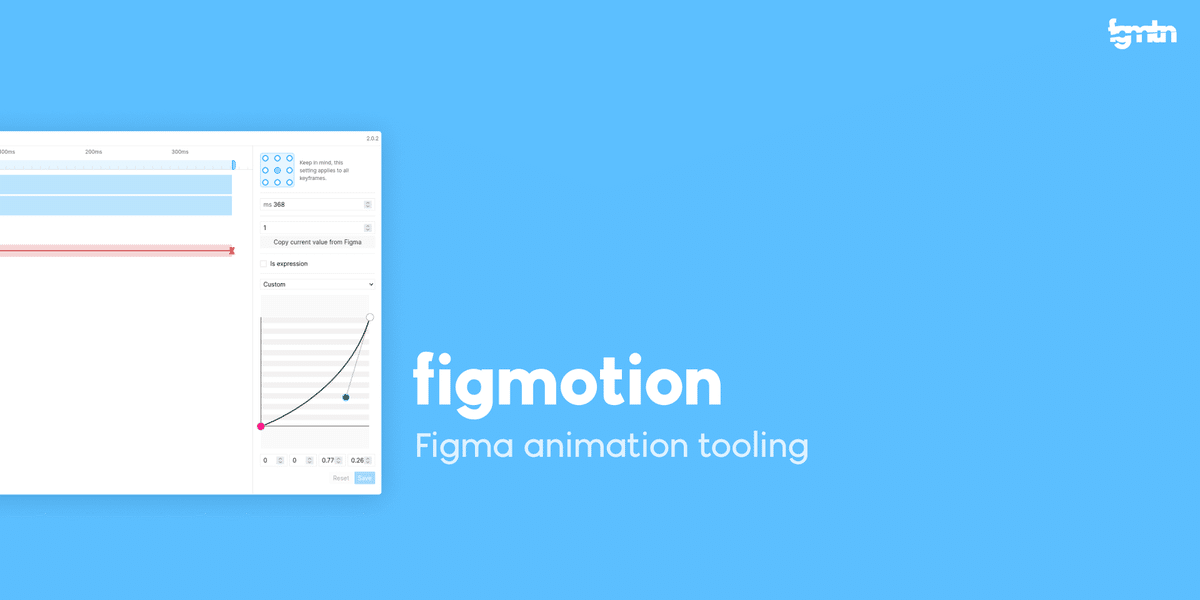
1. ✨ Figmotion
Create flow diagrams simply by connecting objects with lines.
https://www.figma.com/community/plugin/733025261168520714/figmotion
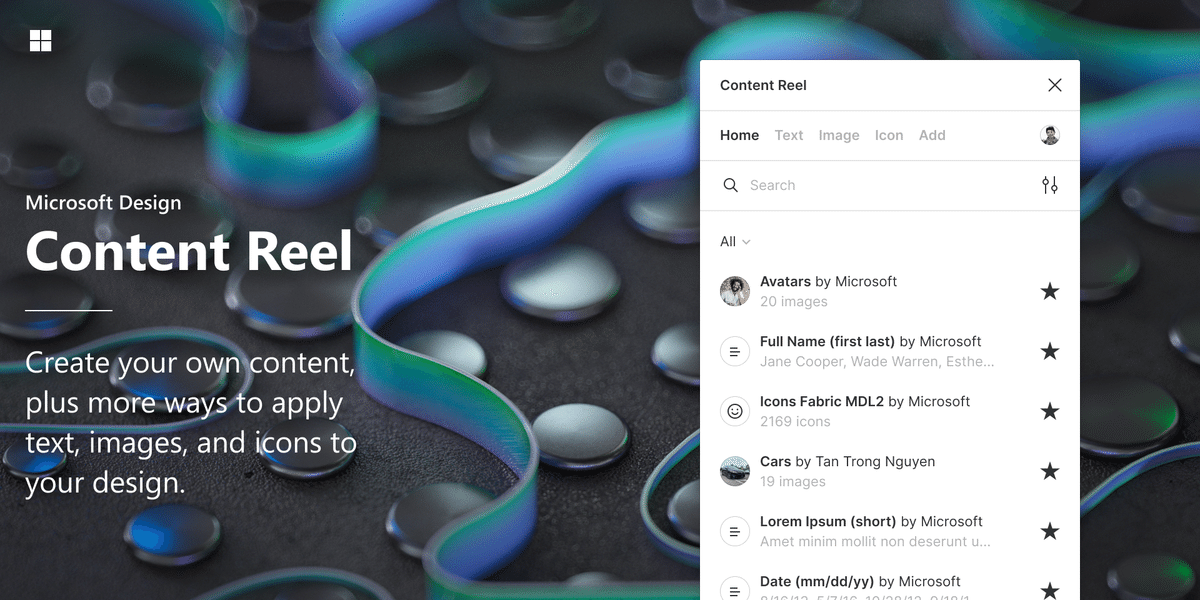
2. 🔁 Content Reel
Easily insert realistic dummy data such as names, emails, and phone numbers.
https://www.figma.com/community/plugin/731627216655469013/Content-Reel
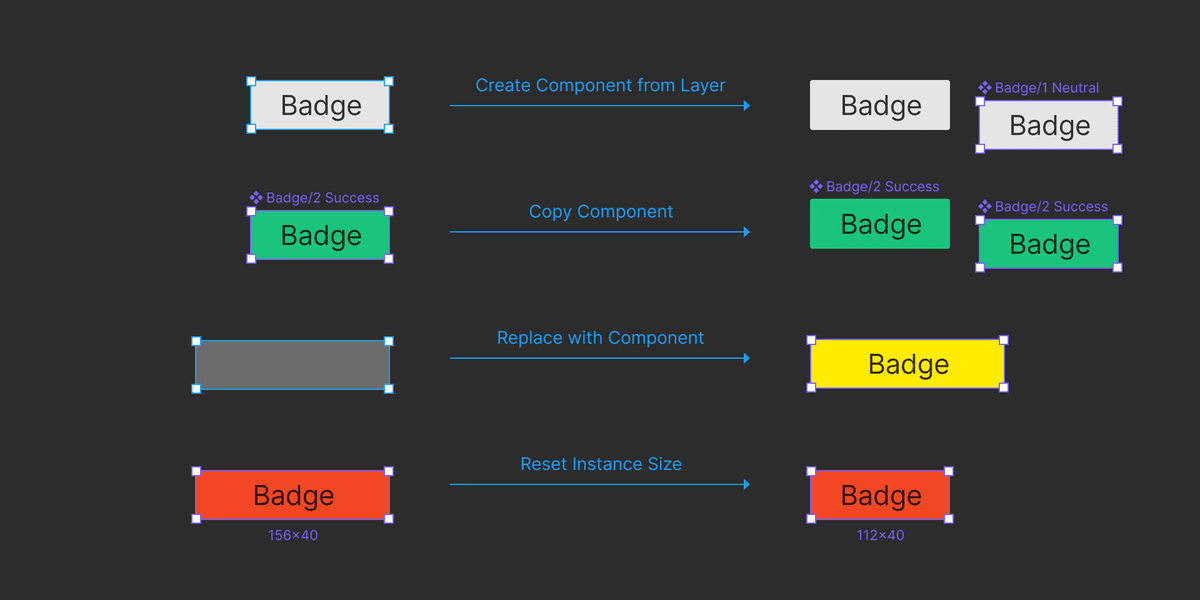
3. 🧱 Component Utilities
Perfect for organising and renaming components in bulk.
https://www.figma.com/community/plugin/785894722513806497/component-utilities
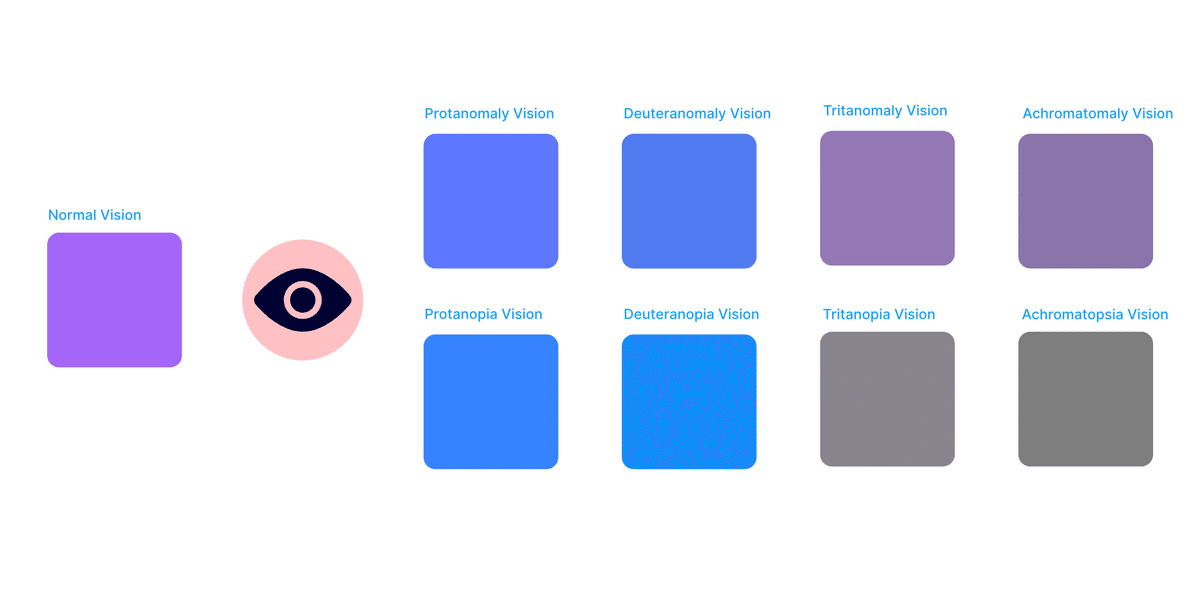
4. 🌈 Color Blind
Simulate different types of colour vision to make accessibility checks easier.
https://www.figma.com/community/plugin/733343906244951586/color-blind
5. 🪄 Remove BG
Remove image backgrounds instantly with one click.
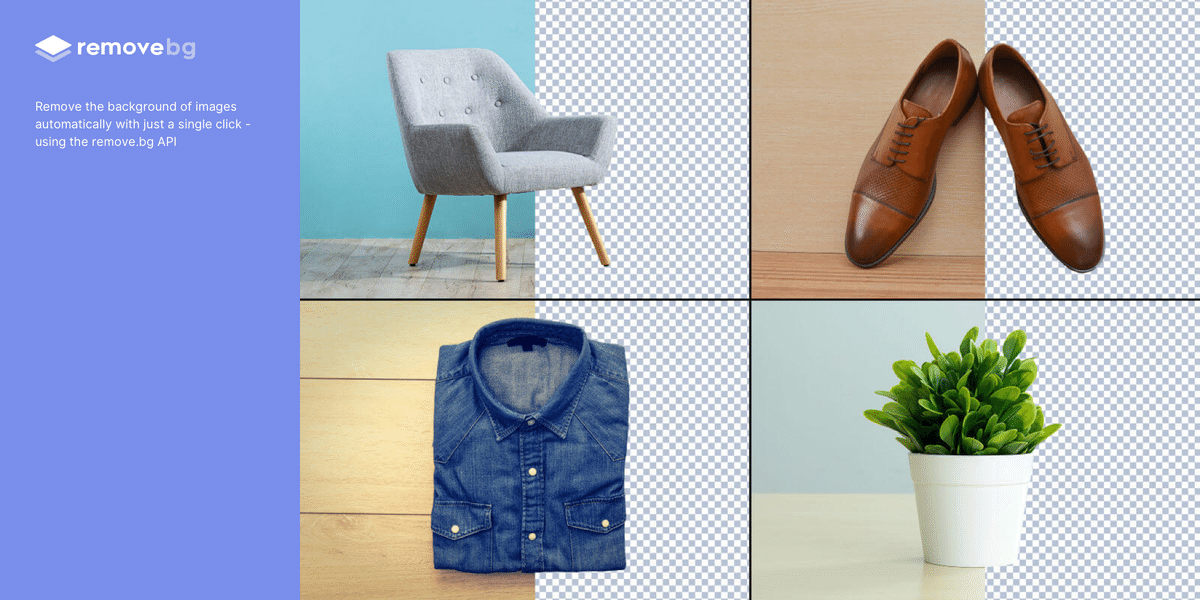
https://www.figma.com/community/plugin/738992712906748191/remove-bg
6. 🧮 Similayer
Select and edit multiple similar layers simultaneously.
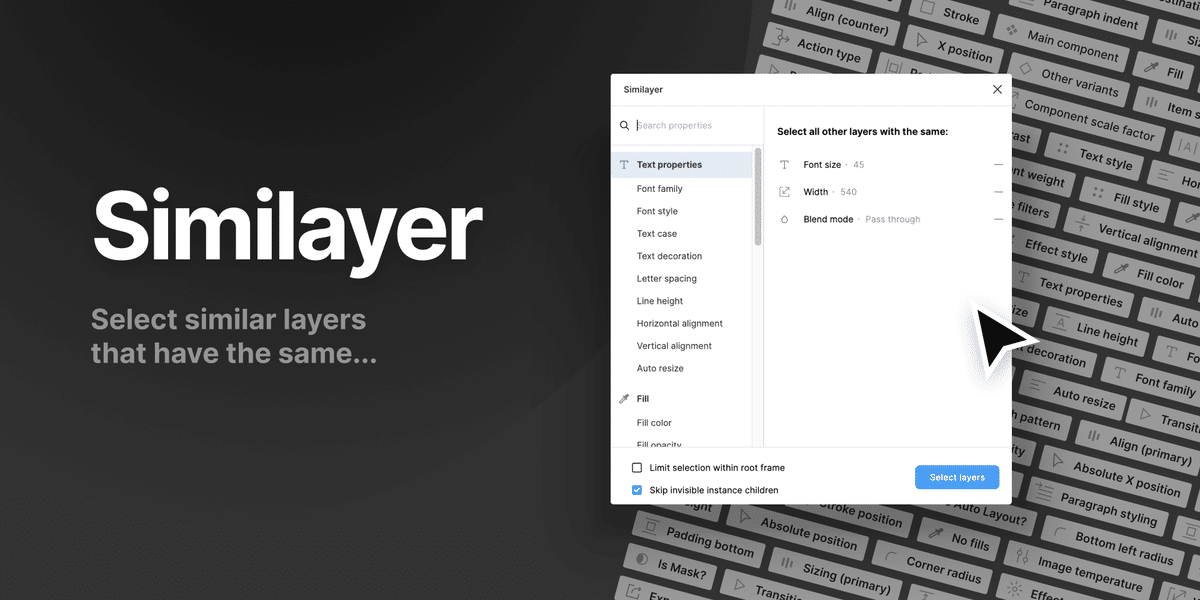
https://www.figma.com/community/plugin/735733267883397781/similayer
7. 📐 Gridy
Design clean and beautiful grid layouts quickly.
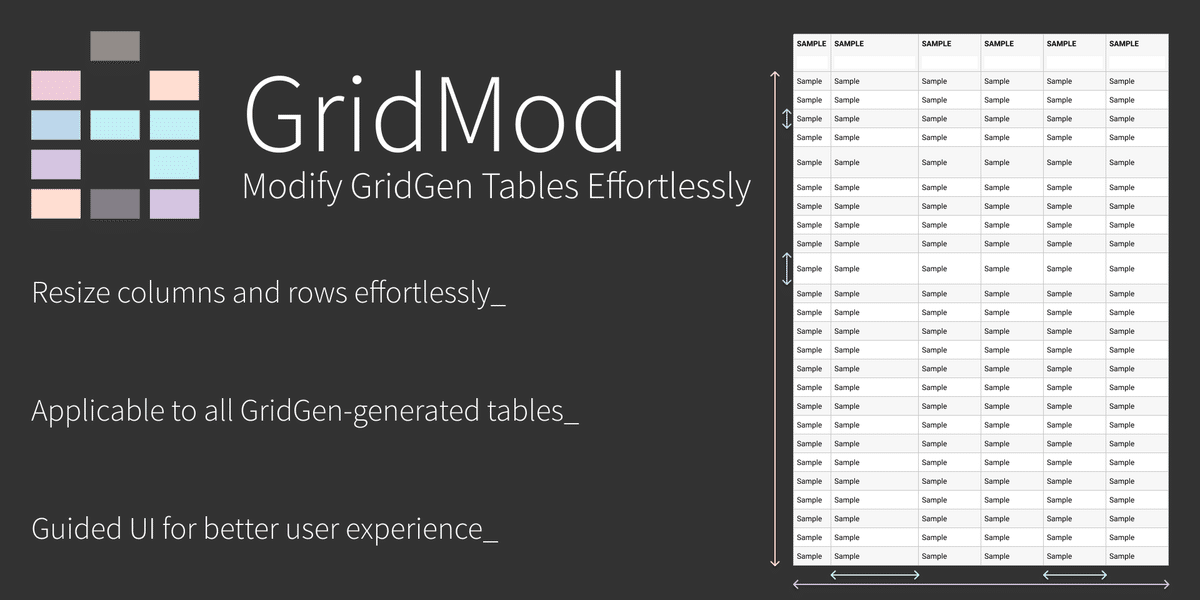
https://www.figma.com/community/plugin/815889316898860859/gridmod-modify-gridgen-tables-effortlessly
8. 🎯 Design Lint
Automatically detect and fix style inconsistencies in your design.
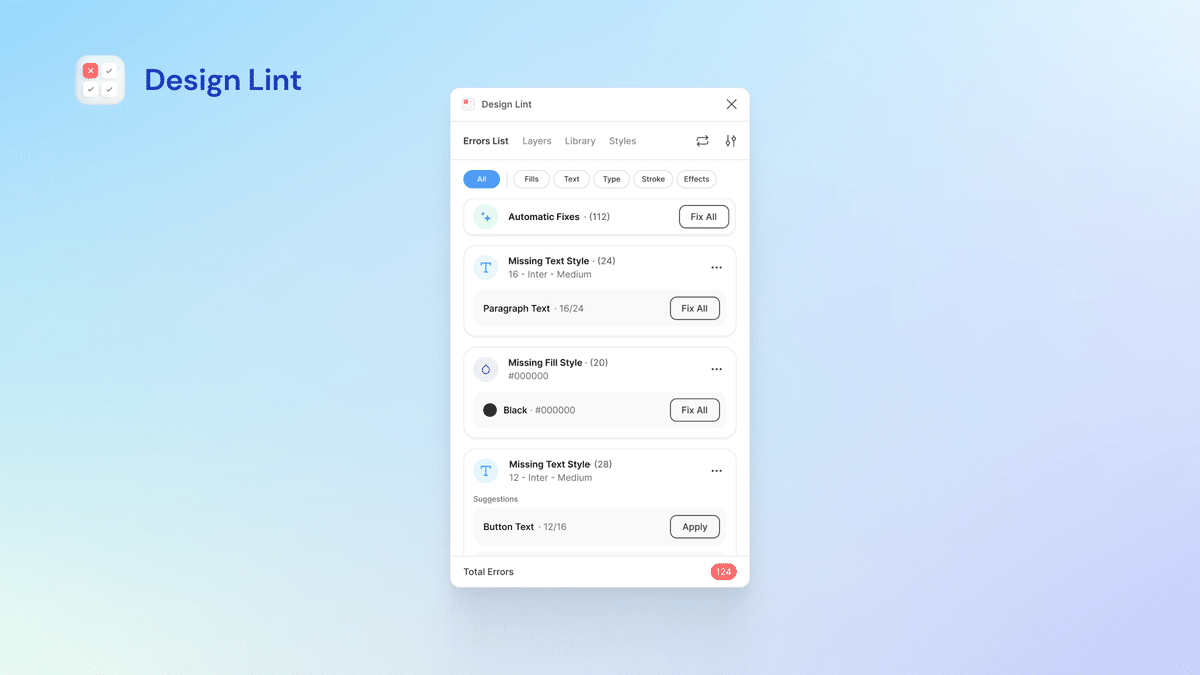
https://www.figma.com/community/plugin/801195587640428208/design-lint
9. 📊 Charts
Generate charts such as bar charts and pie charts instantly.

https://www.figma.com/community/plugin/731451122947612104/charts
10. 📦 Blush
Insert stylish hand-drawn illustrations directly into your designs.

https://www.figma.com/community/plugin/838959511417581040/blush
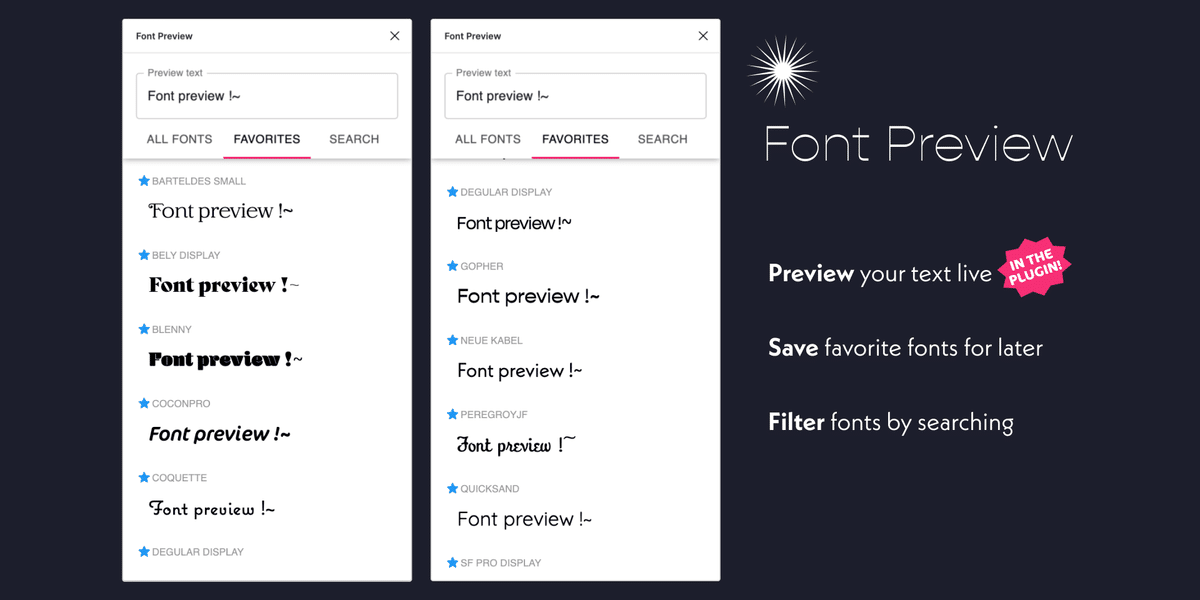
11. 🔠 Font Preview
View and preview all fonts used in your design file.
https://www.figma.com/community/plugin/890494567122693015/font-preview
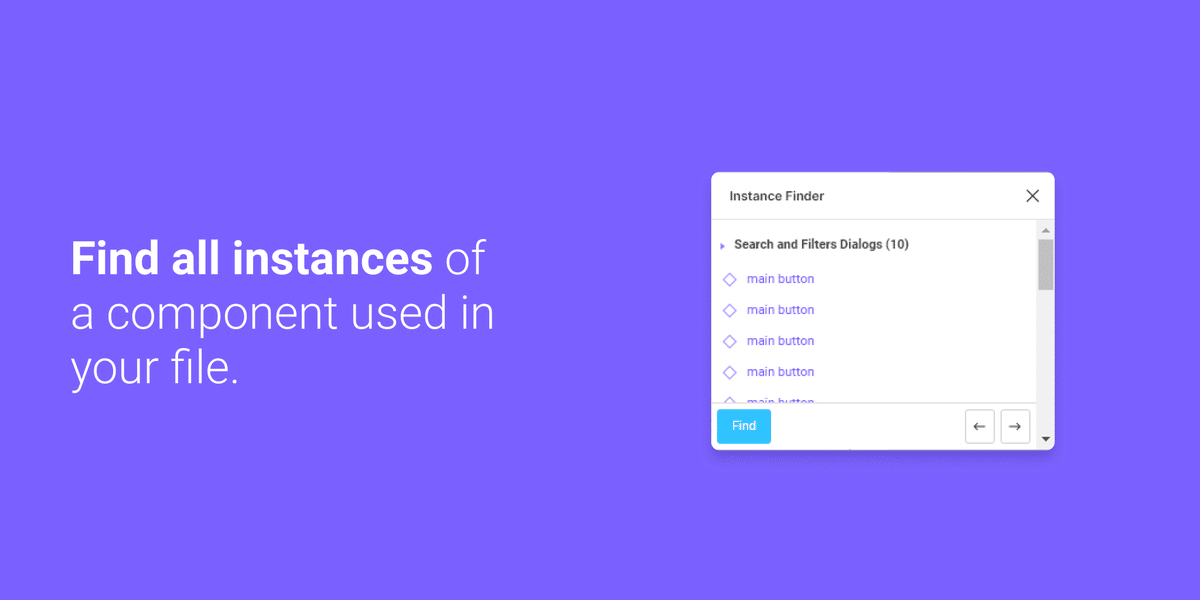
12. 🧩 Instance Finder
Locate where components are used across your design file.
https://www.figma.com/community/plugin/741895659787979282/instance-finder
13. 🔤 Spelll
A dedicated plugin for spell and grammar checking.

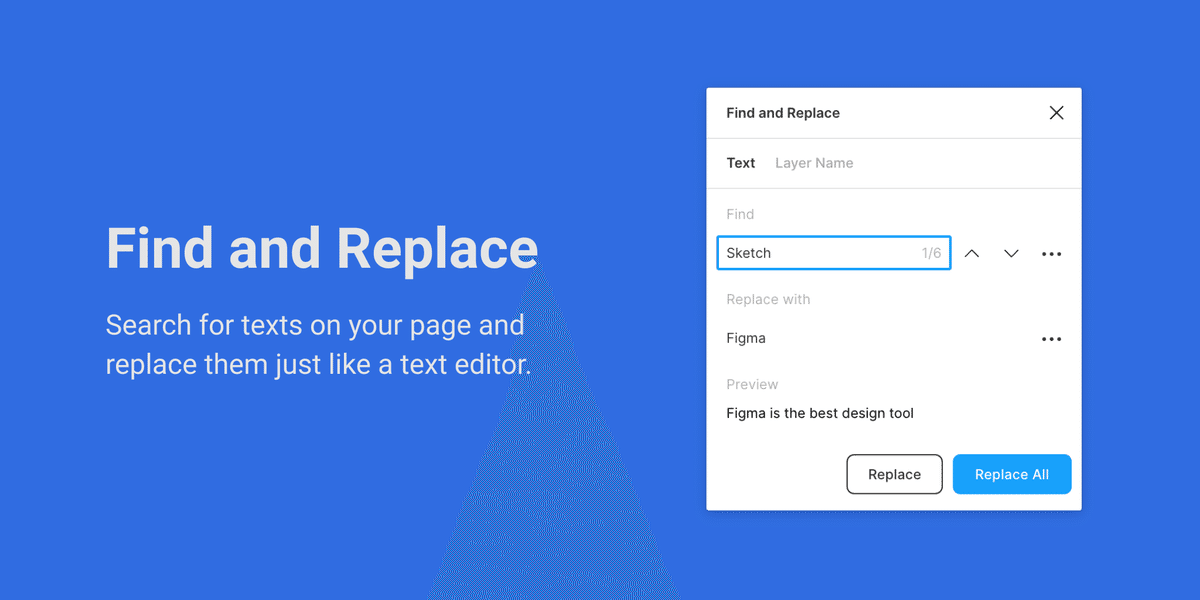
14. 🔄 Find and Replace
Search and replace text across your design in bulk.
https://www.figma.com/community/plugin/735072959812183643/find-and-replace
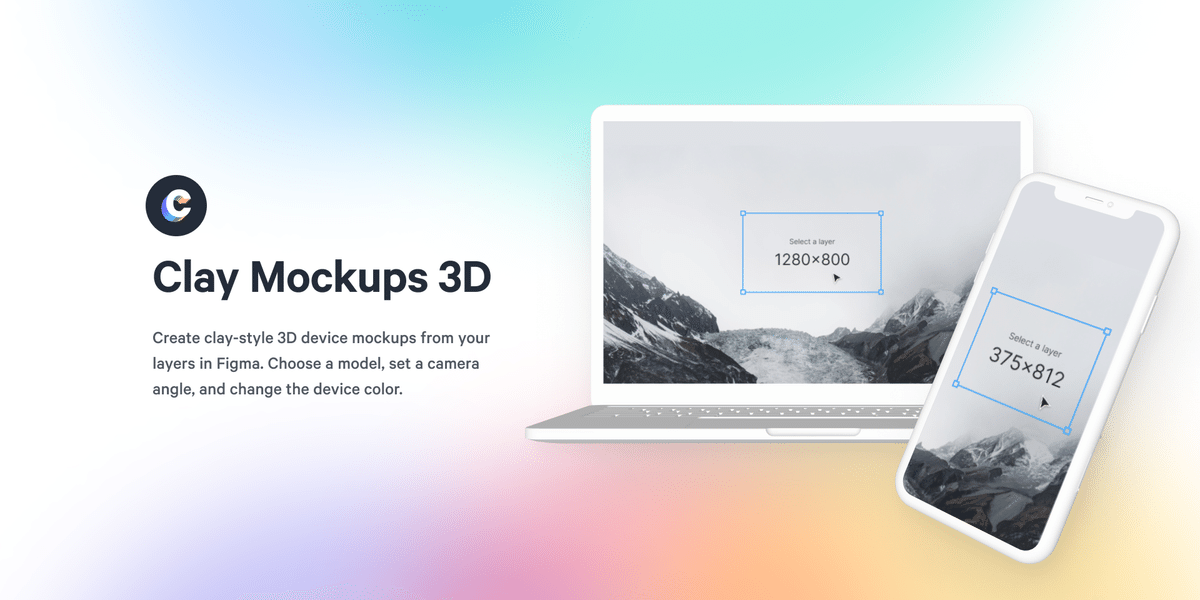
15. 📱 Clay Mockups 3D
Create more impressive presentation visuals with device mockups.
https://www.figma.com/community/plugin/819335598581469537/clay-mockups-3d
16. 🧭 Iconify
Search and use over 100,000 icons directly in Figma.
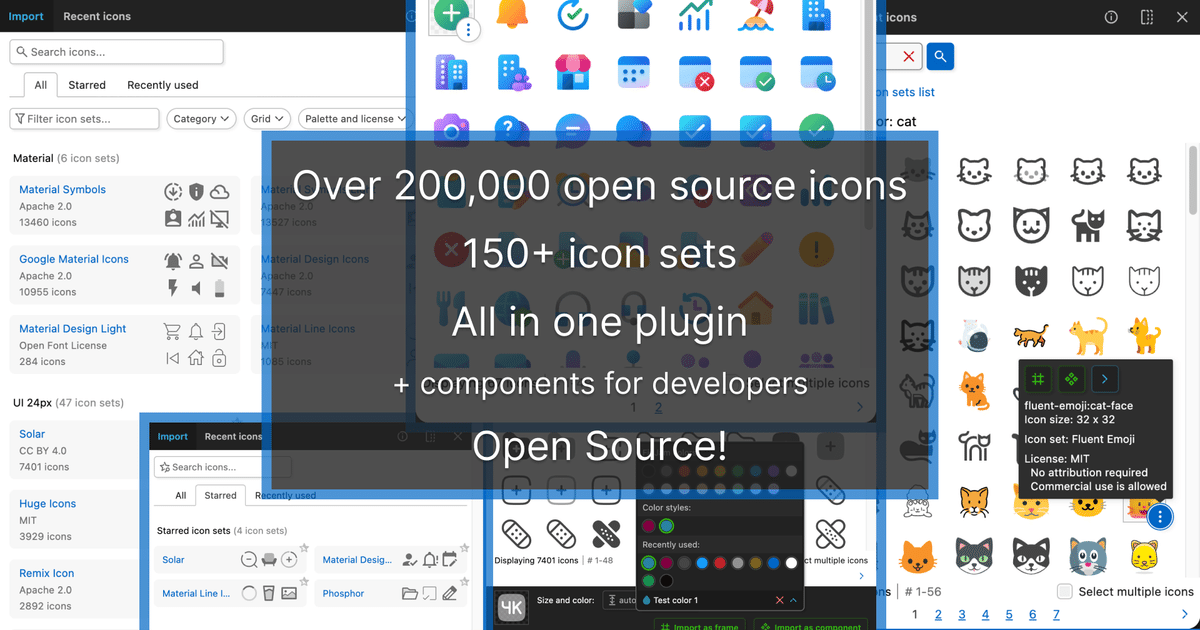
https://www.figma.com/community/plugin/735098390272716381/iconify
17. 💬 Google Sheets Sync
Sync design data directly with Google Sheets.
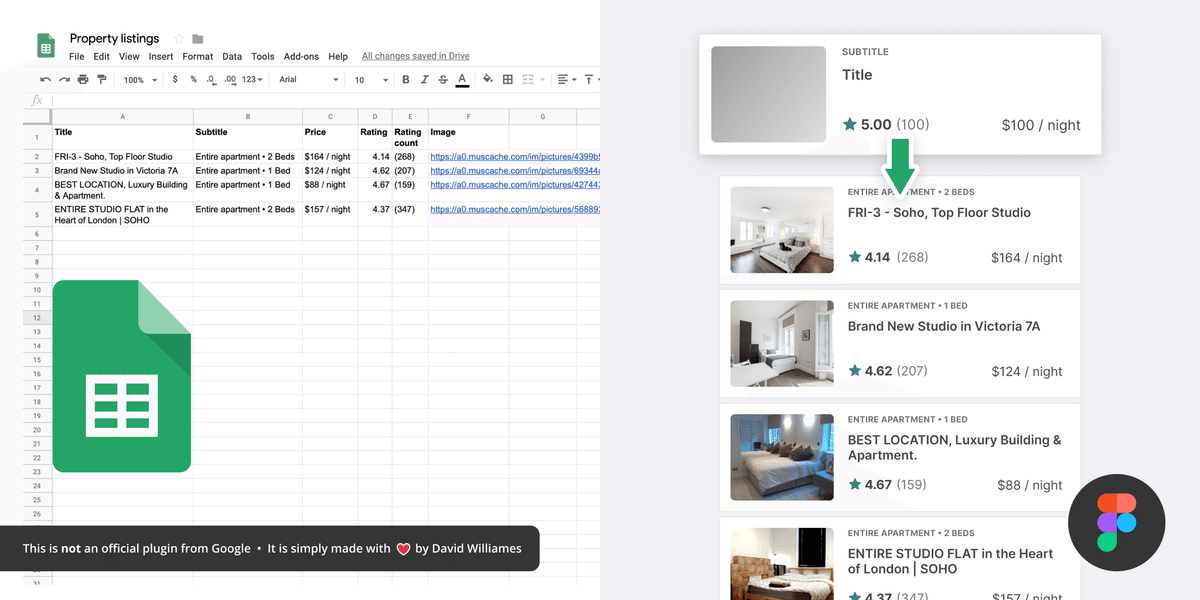
https://www.figma.com/community/plugin/735770583268406934/google-sheets-sync
18. 🗂 Rename It
Batch rename layers and assets quickly.
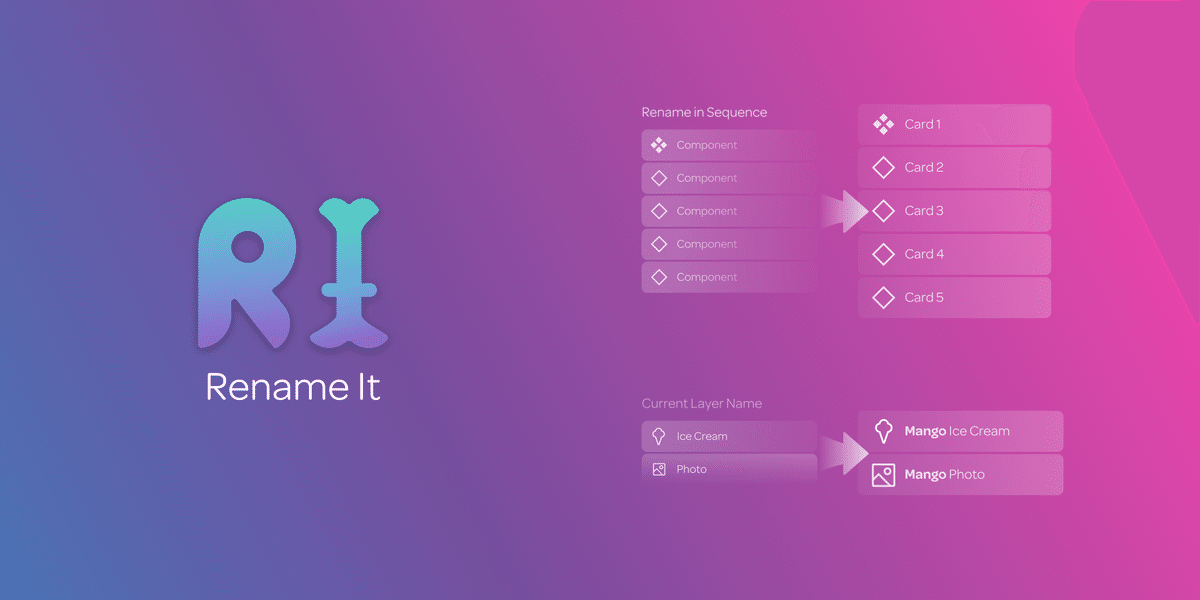
https://www.figma.com/community/plugin/731271836271143349/rename-it
19. 🧪 Image Palette
Extract colours from images and automatically create colour palettes.
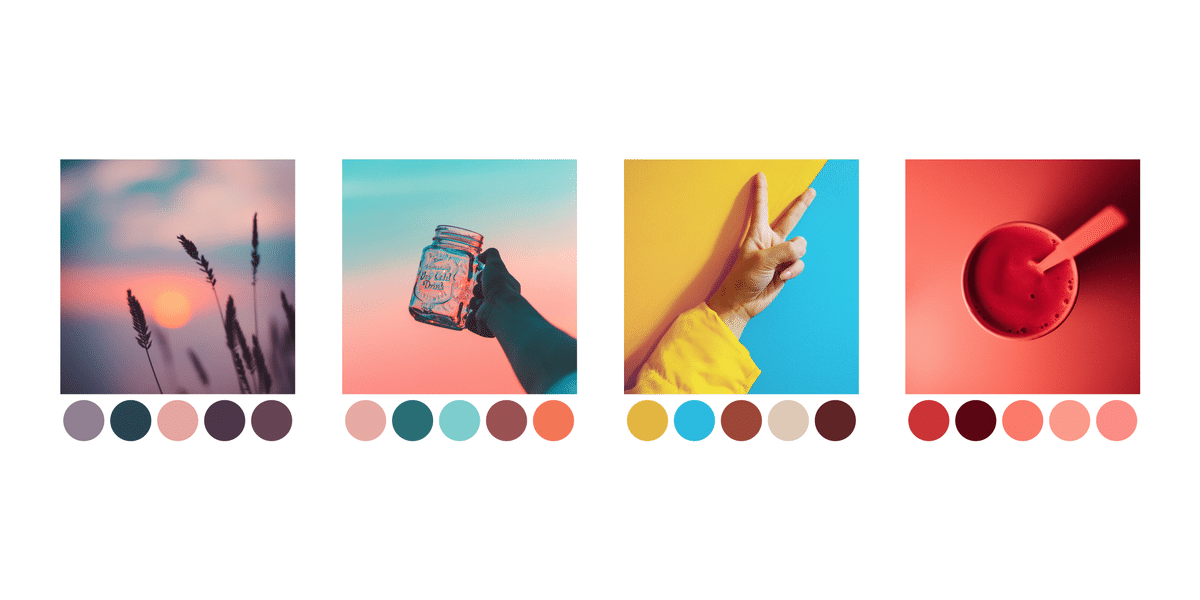
https://www.figma.com/community/plugin/731841207668879837/image-palette
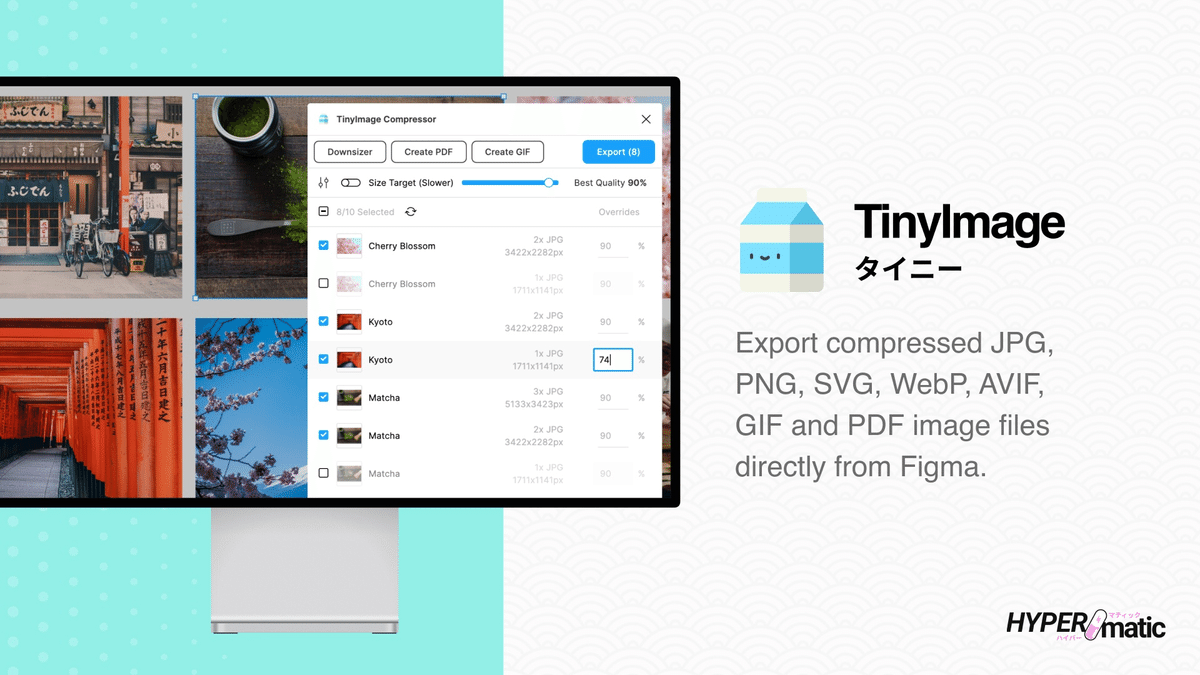
20. 📷 TinyImage Compressor
Compress images to keep Figma files lightweight.
https://www.figma.com/community/plugin/789009980664807964/tinyimage-compressor
Summary
If any of these plugins look useful, jump to the Figma Community page using the links above and give them a try.
These tools can improve design efficiency, quality, and creative flexibility, helping you get even more out of Figma in your daily workflow.
Previous Article
7 PRINCIPLES OF PSYCHOLOGY FOR CHANGING UX
2025.06.12